


P1 investigate graphic media, techniques and technology
M1 compare the use of graphic media, techniques and technology in own and others workD1 evaluate the use of graphic media, techniques and technology in own and others work
LESSON 1
5 mins Starter What is collage? Group discussion to answer the question.
Learning objectives (this week you will):
1. Experiment with collage techniques including cutting, tearing, layering.
2. Use coloured paper, newspapers, magazines, photocopies of any printed materials (leaflets etc) that you collected at Tilgate or photocopies of Tilgate photos to create a series of collage based imagery.
20 mins Task 1: Collage background
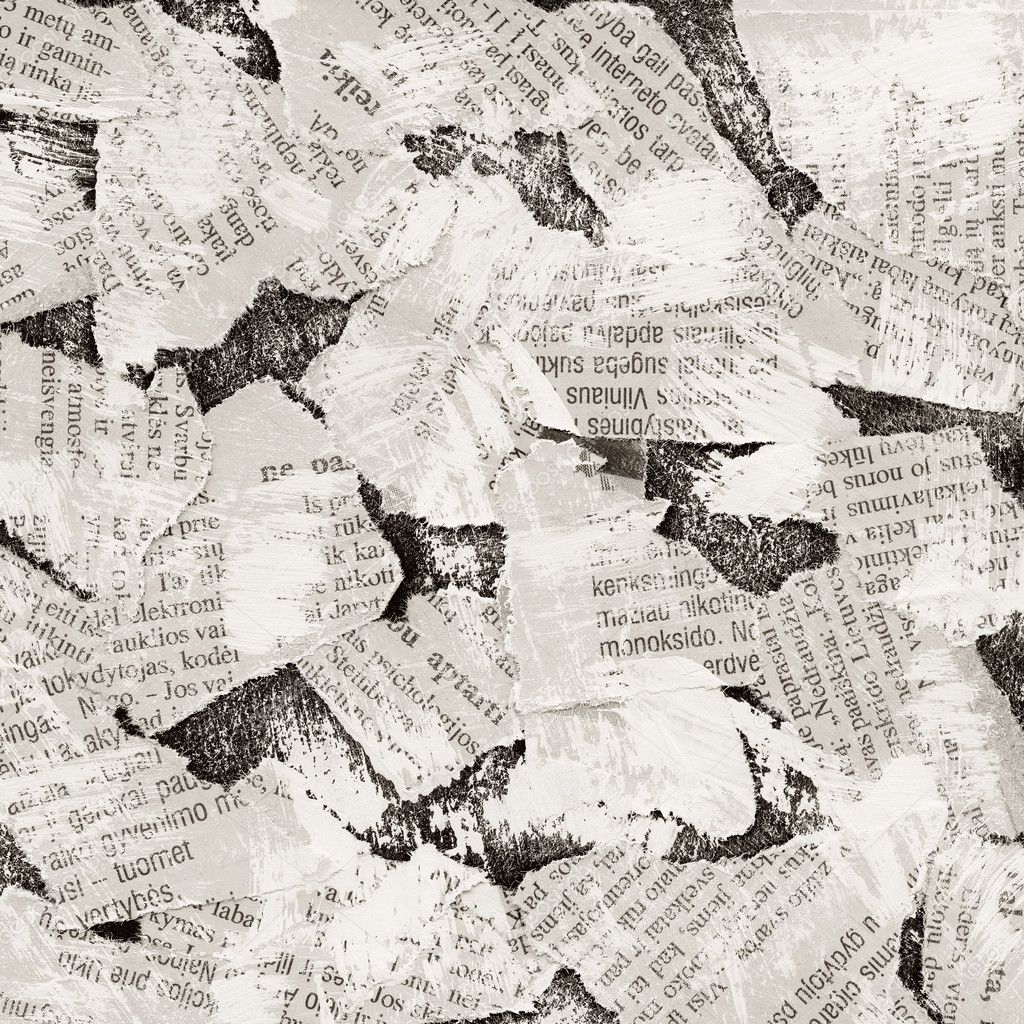
1. Create a background using collage technique. Try to keep it as random as you can. Cover at least half a page in your sketchbook.
2. Use art materials on top of your background to distress and dull it down. Pencil, pastel or watercolour work best. Try smudging materials if you can.
You will scan your background to experiment with it in Photoshop next lesson.
Create an abstract collage using natural shapes: circles, curves etc. Look at the shapes in the imagery you've collected so far.


Collages by Rex Ray
20 mins Task 3: Pictorial collage images
Create a pictorial collage based on an image in your sketchbook: logo research, leaflets, photos, sketches etc. Images can be of animals, plants, flowers etc.


Mini review. Annotate your work this lesson to explain what you did, how, why and if it was successful.
PLEASE SCAN YOUR COLLAGE BACKGROUND BEFORE NEXT LESSON.
SCAN & SAVE IT ON THE ARTS & MEDIA SERVER IN THE BTEC L3 FOLDER.
LESSON 2
Task 1: Illustrated collage background
Photocopy your collage background and illustrate over the top using natural forms: circles, curves etc. Look at the shapes in the imagery you've collected so far.

Task 2: Photoshoped collage experiments
You should already have scanned your collages from last lesson. You will open them up in Photoshop (Ps) and create a series of experiments.
1. Open up Photoshop and go to File->New and select International Paper A4
2. Drag a collage into your Photoshop document then duplicate the layer. Every time you create a new effect, select the original background layer and duplicate it again for a new experiment.


You must complete and print these experiments before next lesson.
We'll start next lesson with a group exhibition so have them ready to show!
Starter: Group exhibition
Let's see how your Photoshop experiments went last lesson! Present everything you've done as part of a group exhibition.
Rubab's logo presentation: Rubab will present her logo work to the group.
- Collect Tilgate Review homework in for assessment.
- Tilgate animal drawings etc put in sketchbooks
Analysis
As a group we'll take a look at the work of Rex Ray. We'll make notes about him and his work from which you'll write an in-depth analysis, supported by images of his work.


Homework
1. Type up your analysis, print it and stick it in your sketchbook, supported by images of Rex Ray's work.
2. Please download your photos ready to use in Sarah's lesson on Tuesday. Use a cable to download from camera's and phones. Do not attempt to Bluetooth!!!
Deadline: Wednesday 16th October
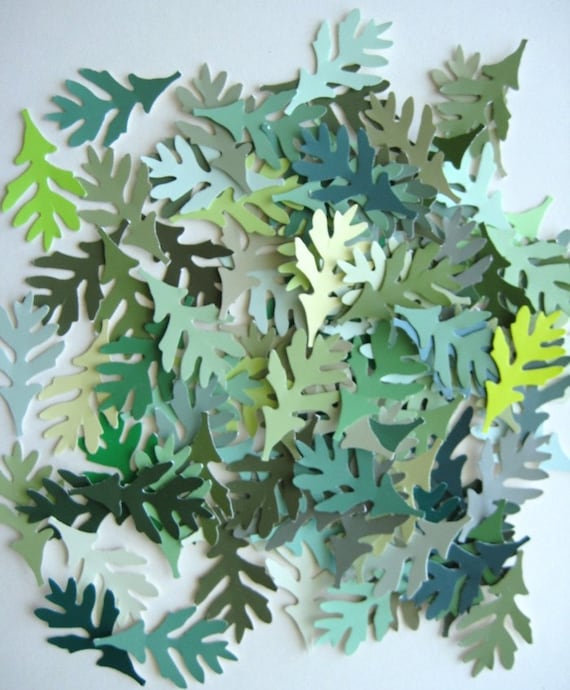
Create a paper cut-out design using coloured paper.


No comments:
Post a Comment